Nomad experiment
Setup environment
- Setup enviroment with consul, dnsmasq and nomad through ansible:
./ansible_run.sh install.yml
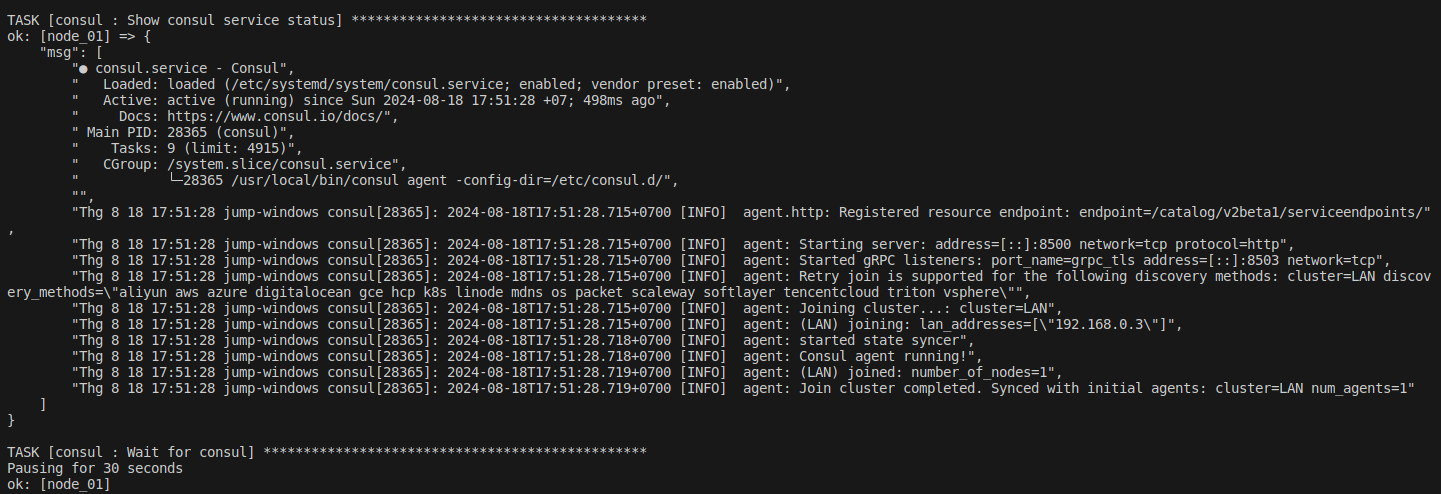
Consul status:
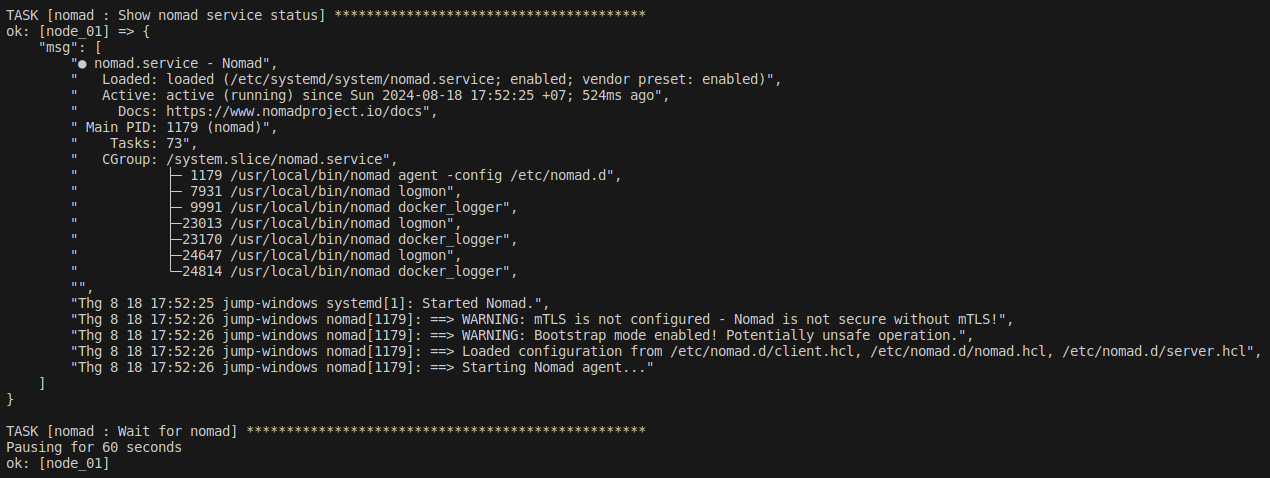
Nomad status:
- Access the UI with ACL:
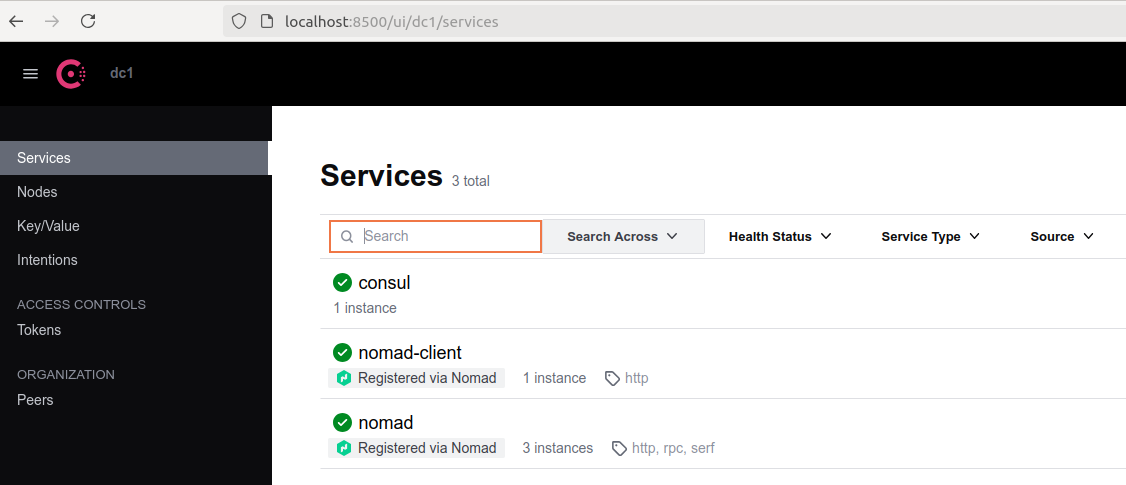
Consul UI:
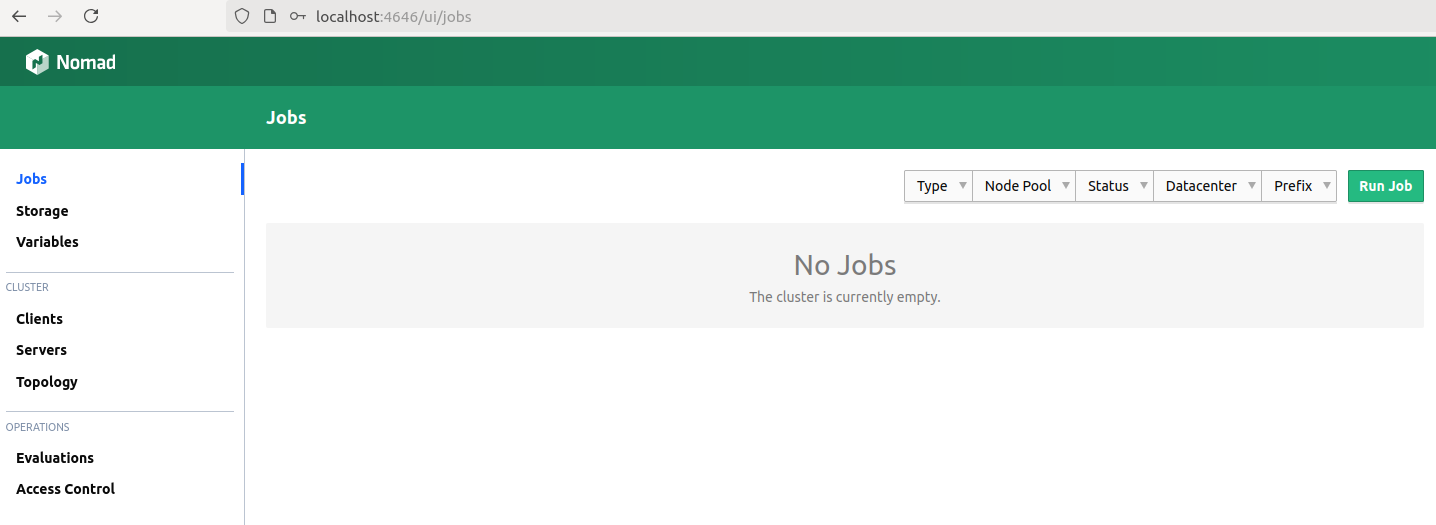
Nomad UI:
Run example nginx job
- Add
nginx.confinto consul key/value:
export CONSUL_HTTP_TOKEN=$(sudo cat /etc/consul.d/data/consul.token | awk '/SecretID/ {print $NF}')

consul kv put example/nginx.conf "events {
    worker_connections 1024;
}

http {
    server {
        listen 8081;
        server_name localhost;

        location / {
            return 200 'Hello from Nomad & Consul!';
            add_header Content-Type text/plain;
        }
    }
}"
- Create
nginx.hcljob, getnginx.conffrom consul with template stanza:
template {
    data = <<EOF
    {{ key "local/nginx/nginx.conf" }}
    EOF
    destination = "local/nginx.conf"
    change_mode = "restart"
}
- Bind mount
nginx.confto containers:
config {
    image = "nginx:alpine"
    ports = ["http"]
    volumes = [
        "local/nginx.conf:/etc/nginx/nginx.conf",
    ]
}
- Set port mapping:
network {
    port "http" {
        static = 8082
        to = 8081
    }
}
In there, static is the host port (8082), it’s mapping to the container port (8081). We have already set the nginx service running on port 8081 in the nginx.conf file in consul.
- Register services to Consul
service {
    name = "example-nginx"
    port = "http"
}
- Run job:
export NOMAD_TOKEN=$(sudo cat /etc/nomad.d/data/nomad.token | awk '/Secret ID/ {print $NF}')
nomad run -detach jobs/example.hcl
- Testing:
docker ps -a
Stdout:
CONTAINER ID   IMAGE          COMMAND                  CREATED          STATUS          PORTS                                                            NAMES
afd5f072ed1f   nginx:latest   "/docker-entrypoint.…"   30 seconds ago   Up 29 seconds   80/tcp, 192.168.0.3:8082->8081/tcp, 192.168.0.3:8082->8081/udp   nginx-1c0ad89d-494c-becc-4a90-b694545fb4ca
Go to the brower: http://192.168.0.3:8082
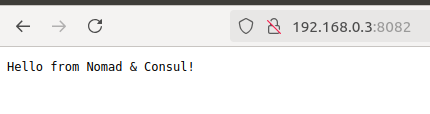
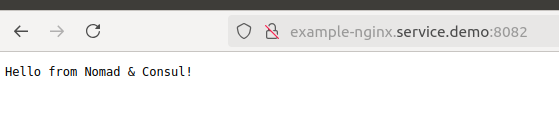
Or you can access through consul service with format: <service_name>.service.<consul_domain>
Go to the brower: http://example-nginx.service.demo:8082
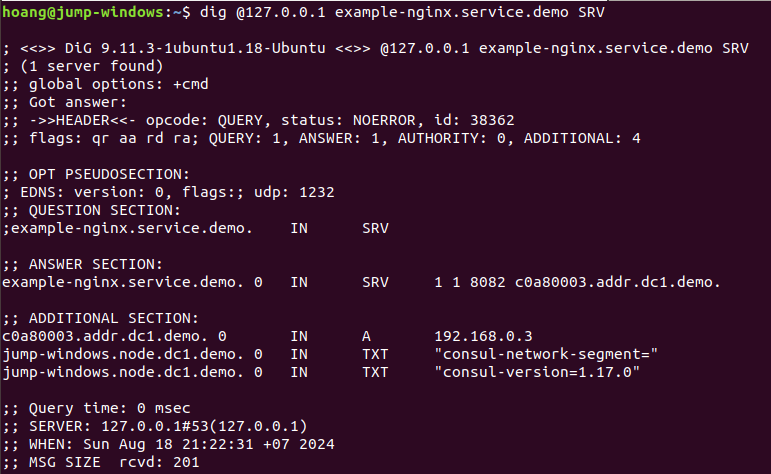
Validate the DNS record:
dig @127.0.0.1 example-nginx.service.demo SRV
Run microservice jobs
In this the tutorial, we will deploy the flask app, redis cache with nginx gateway.
- One nginx which redirect 80 –> flask app on 8000
- Flask app, which records in a redis database a number of view
- A redis database, on port 6380
Note that services communicate with each other through the host network.
- Build flask app docker image on nodes running nomad:
make build
- Put configs to Consul KV:
export CONSUL_HTTP_TOKEN=$(sudo cat /etc/consul.d/data/consul.token | awk '/SecretID/ {print $NF}')

consul kv put NGINX_CONFIG "
worker_processes 1;

events { worker_connections 1024; }

http {
    sendfile on;
    server {
        listen 80;
        location / {
            proxy_pass http://app-flask.service.demo:8000;
            add_header Content-Type text/plain;
        }
    }
}"

consul kv put REDIS_URL "redis://db-redis.service.demo:6380/0"
- Run nomad jobs:
nomad run -detach jobs/redis.hcl
nomad run -detach jobs/webapp.hcl
- Testing:
Check docker containers
docker ps -a

Go to the brower: http://app-nginx.service.demo
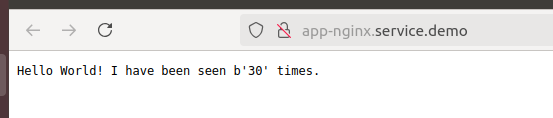
It’s working.
You can get full source code here!